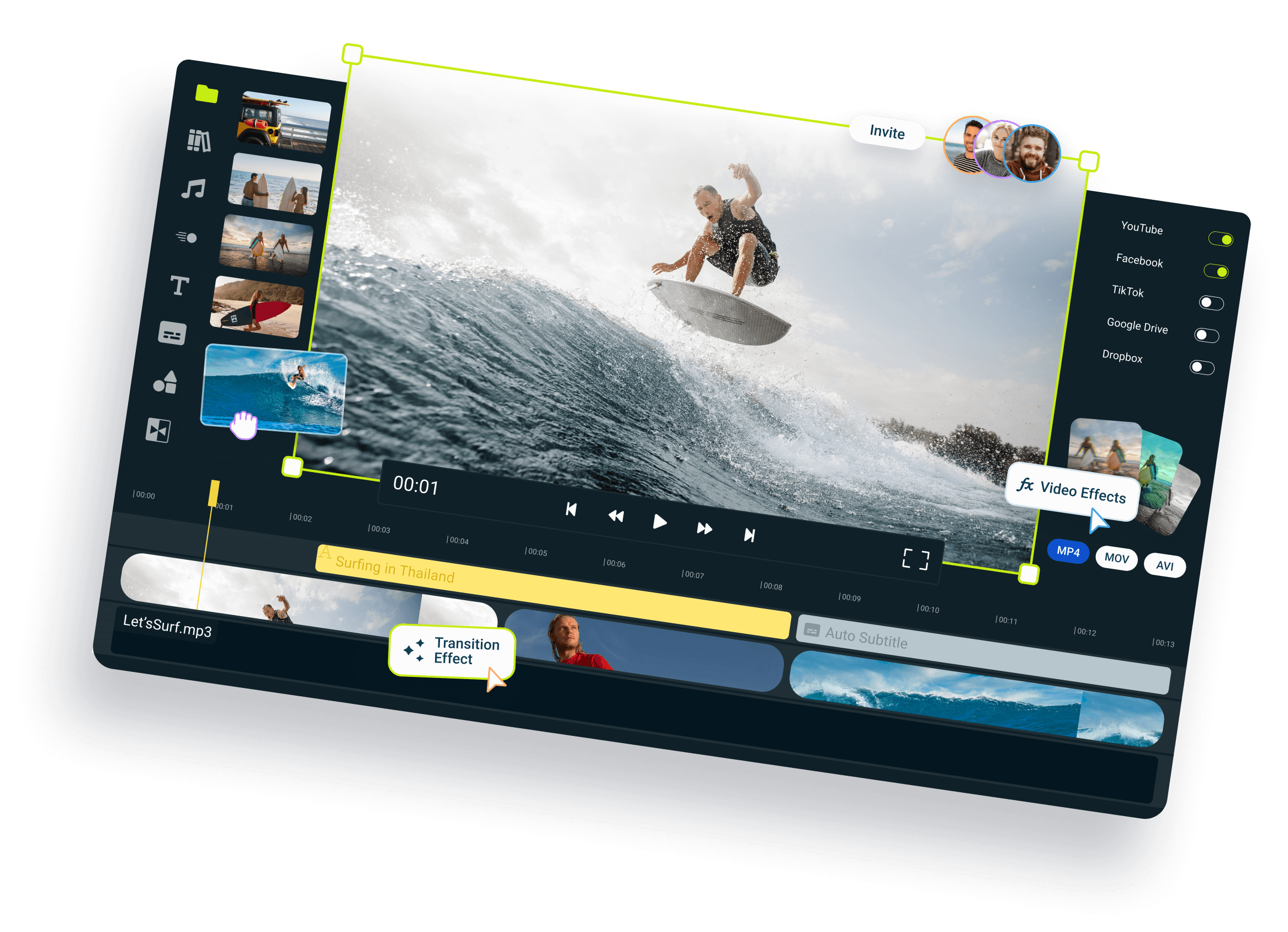
Easy to use auto subtitle generator
Generate subtitles from any video or audio with just one click
Over 1 million creators use Flixier every day including brands like:





Who this is for
Educators
Business Owners
Social Creators
Still have questions?
We got you!
How do I make subtitles automatically?
To make subtitles automatically, first add your video to the Flixier library and drag it on the timeline. Here all you need to do is click on it and then click on Generate Auto Subtitle on the right side of the screen. Your subtitle is now created and you can make changes to it or customize its looks.
How do I make English subtitles auto?
You can make English subtitles automatically with Flixier. First add your video to the Flixier library from your computer, YouTube, Google Drive or other sources and drag it on the timeline. Now click the Generate Auto Subtitle button on the right side of the screen and your subtitle will be ready in a few moments. At this point you can make changes to the subtitle or customize its appearance.
How can I add Subtitles?
To add subtitles to a video in Flixier you have three options. You can create a subtitle manually, upload a subtitle from your computer or automatically generate a subtitle. The third option is the easiest one by far, you only need to click a button and your subtitle will be ready in a few moments. You can choose to modify it or customize the way it looks with the easy to use subtitle editor.